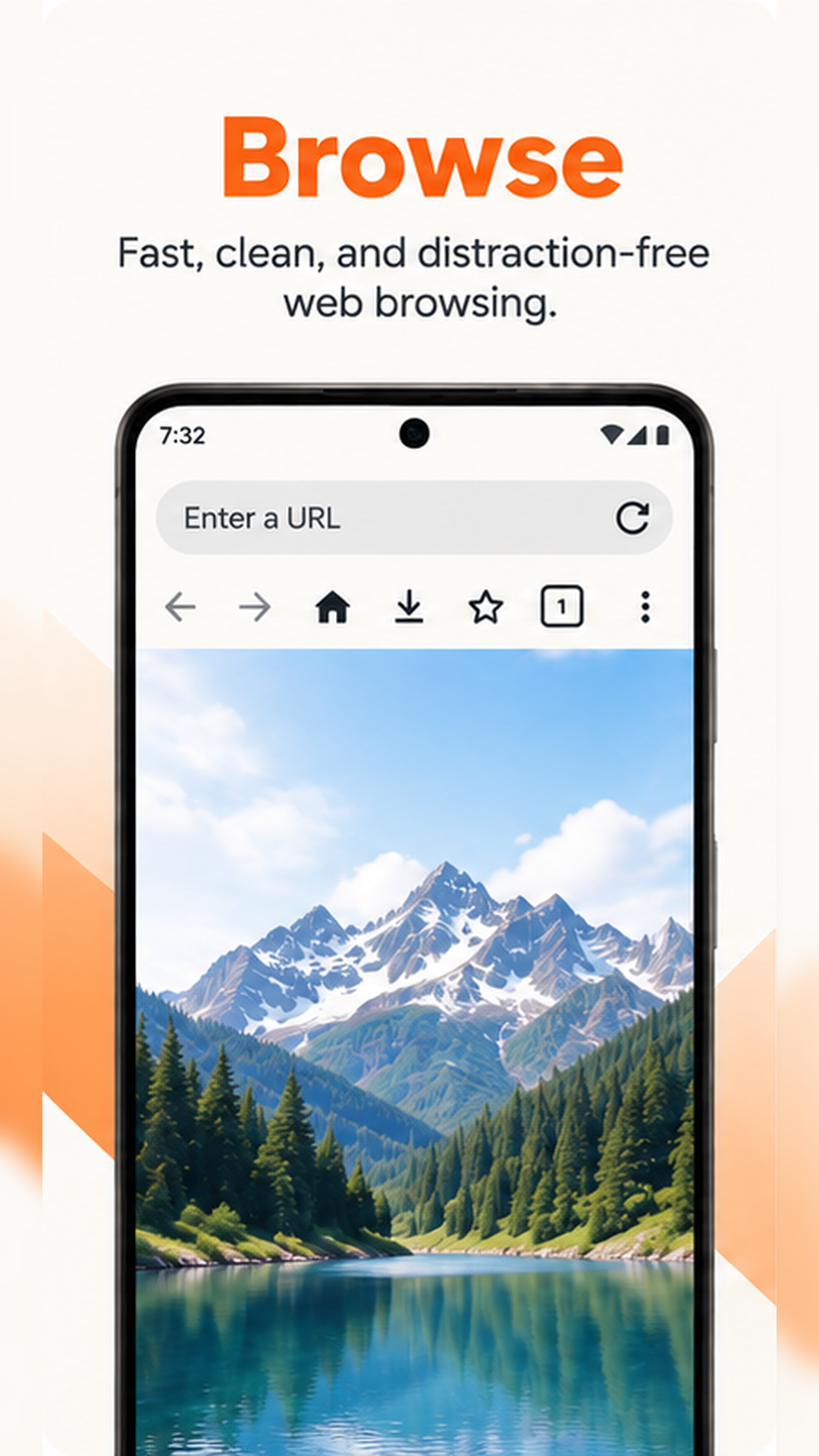
Browse with ease
Explore the web and switch between tabs.
 Reel Nest
Web browsing and your media library, together.
Get it on Google PlayFree to download · Contains ads and in-app purchases
Explore the web and switch between tabs.
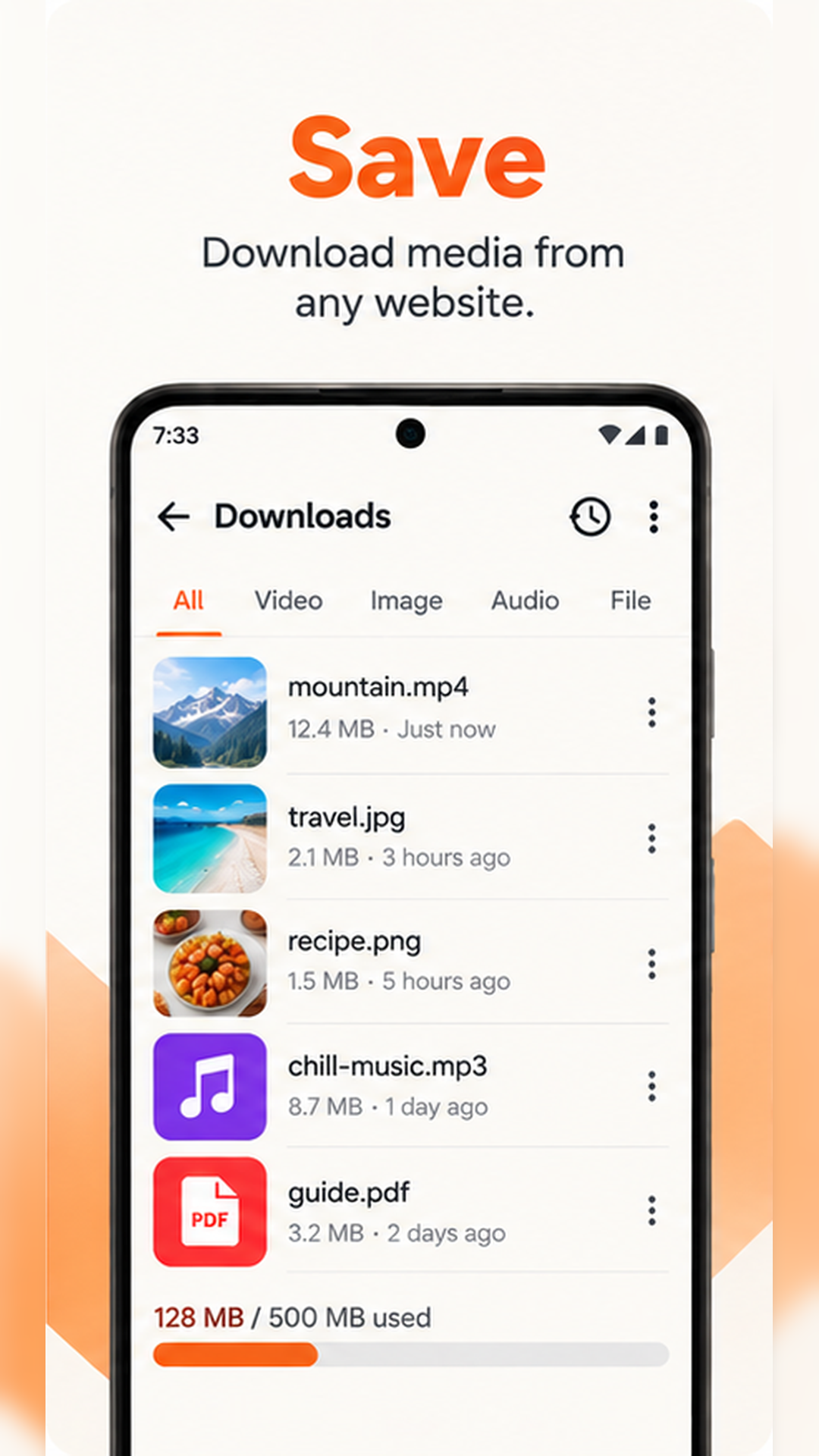
Find downloadable media on supported pages.
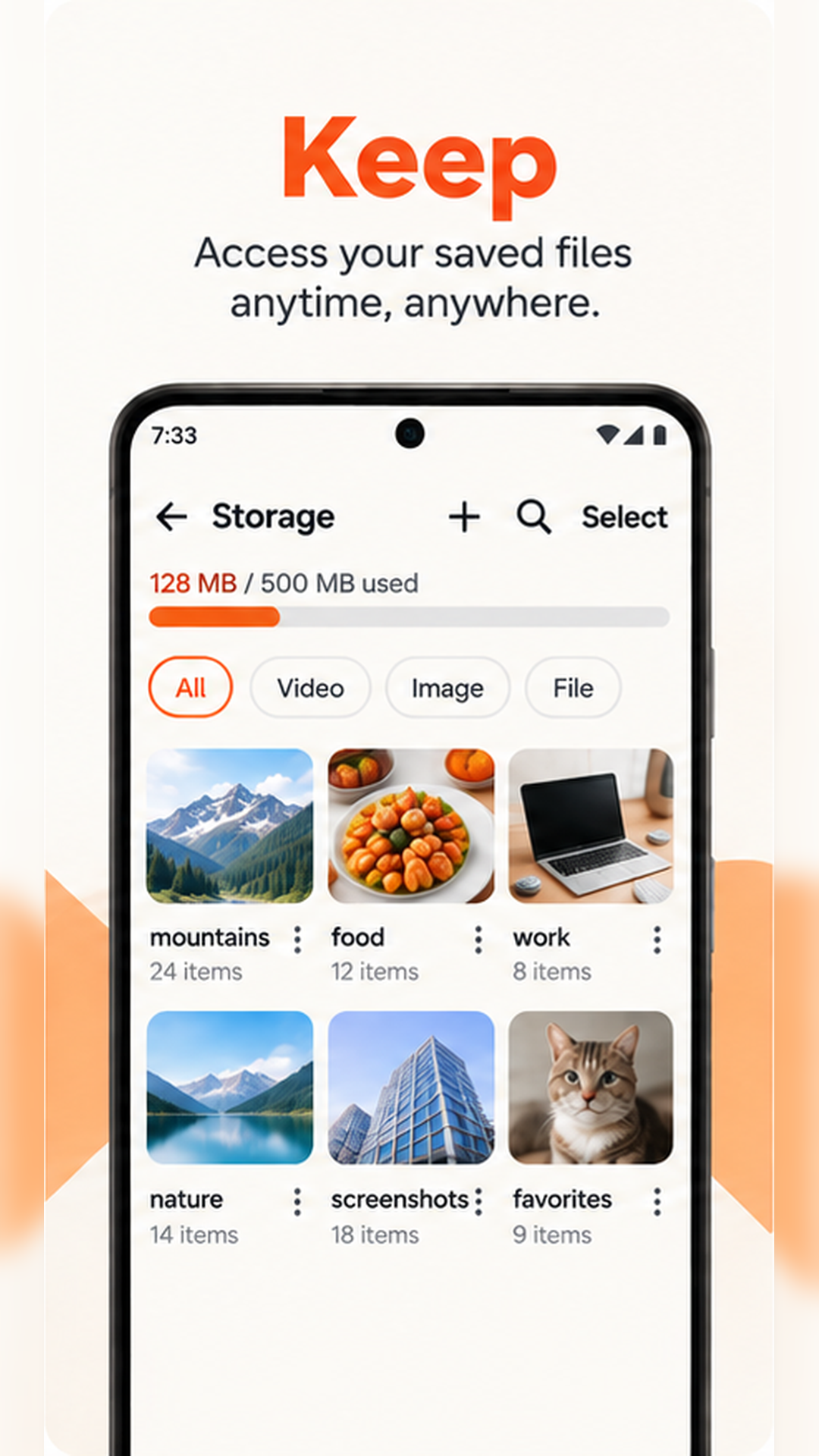
Keep your saved media together on your device.
Swipe to explore · Preview images from Google Play.
Lock your library with fingerprint, face recognition or a PIN.
Block requests from known ads and trackers.
Return to favorite sites and pages you have visited.
Choose what works for you.
| FreeAd-supported | ProMonthly or annual subscription | |
|---|---|---|
| Browsing, bookmarks and history | Included | Included |
| Media downloads | 5 minutes after watching an ad | No ad required |
| Nest storage | Up to 500 MB | No in-app storage limit* |
| Biometric and PIN lock | Included | Included |
* Actual storage available with Pro depends on free space on your device and system limits.
Choose a subscription in the app. Check the app or Google Play for prices and terms.
You can save downloadable media detected by the app on supported web pages. Only use it for content you own or have the rights or permission to access, download and use. Reel Nest does not bypass DRM, encryption, authentication, paywalls or other technical access controls.
With Free, watching an ad unlocks downloads for 5 minutes, and you can store up to 500 MB in Nest. A monthly or annual Pro subscription removes the ad requirement for downloads and the in-app storage limit. Actual storage depends on free space on your device.
Reel Nest does not provide cloud backup, sync or data recovery. Media and app data are stored on your device and may be lost when you uninstall the app or change devices. Please manage any backups you need.
Reel Nest supports Android 7.0 and later, as listed on Google Play. Check Google Play for availability on your device and the latest requirements.
Android 7.0+ · Contains ads and in-app purchases